

 Україньска
 English

cotcp
"CotCP" - Theme Cotonti Control Panel
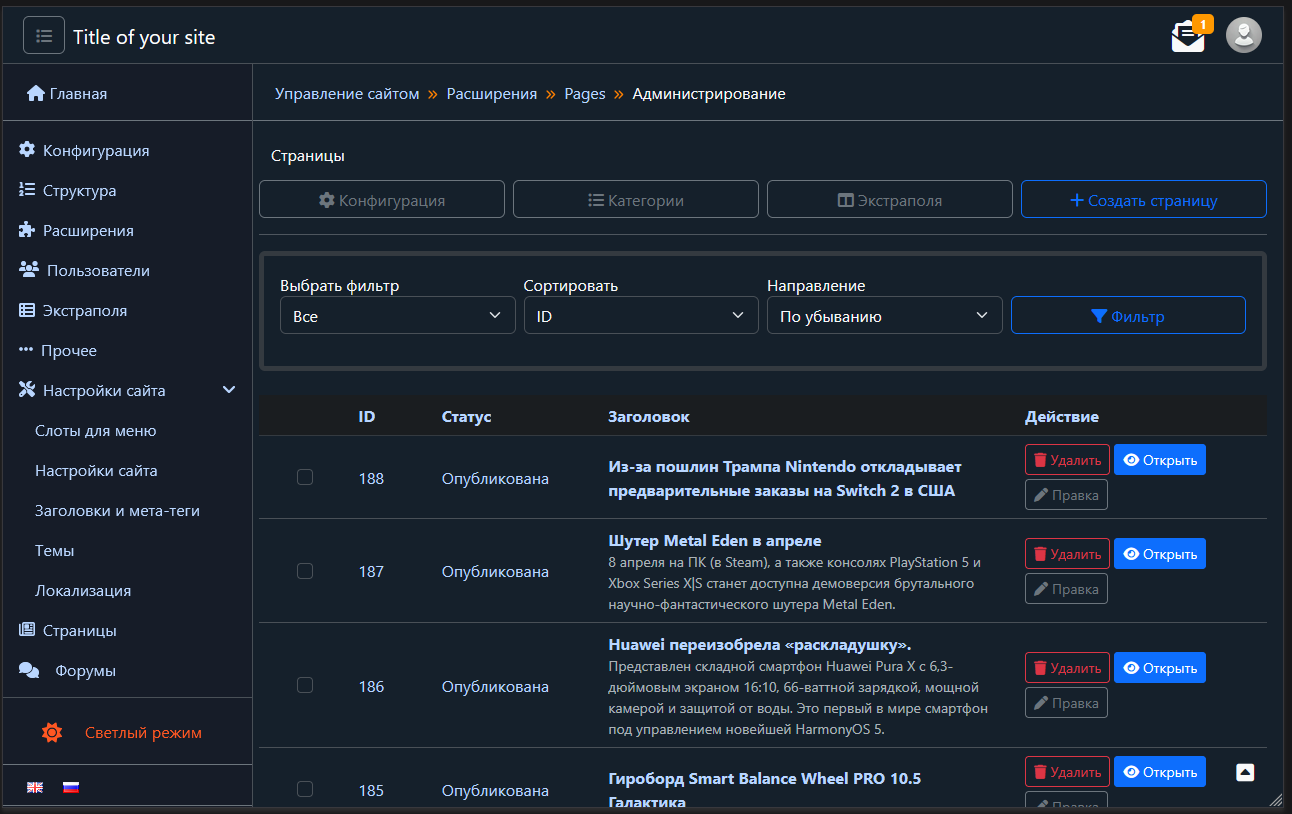
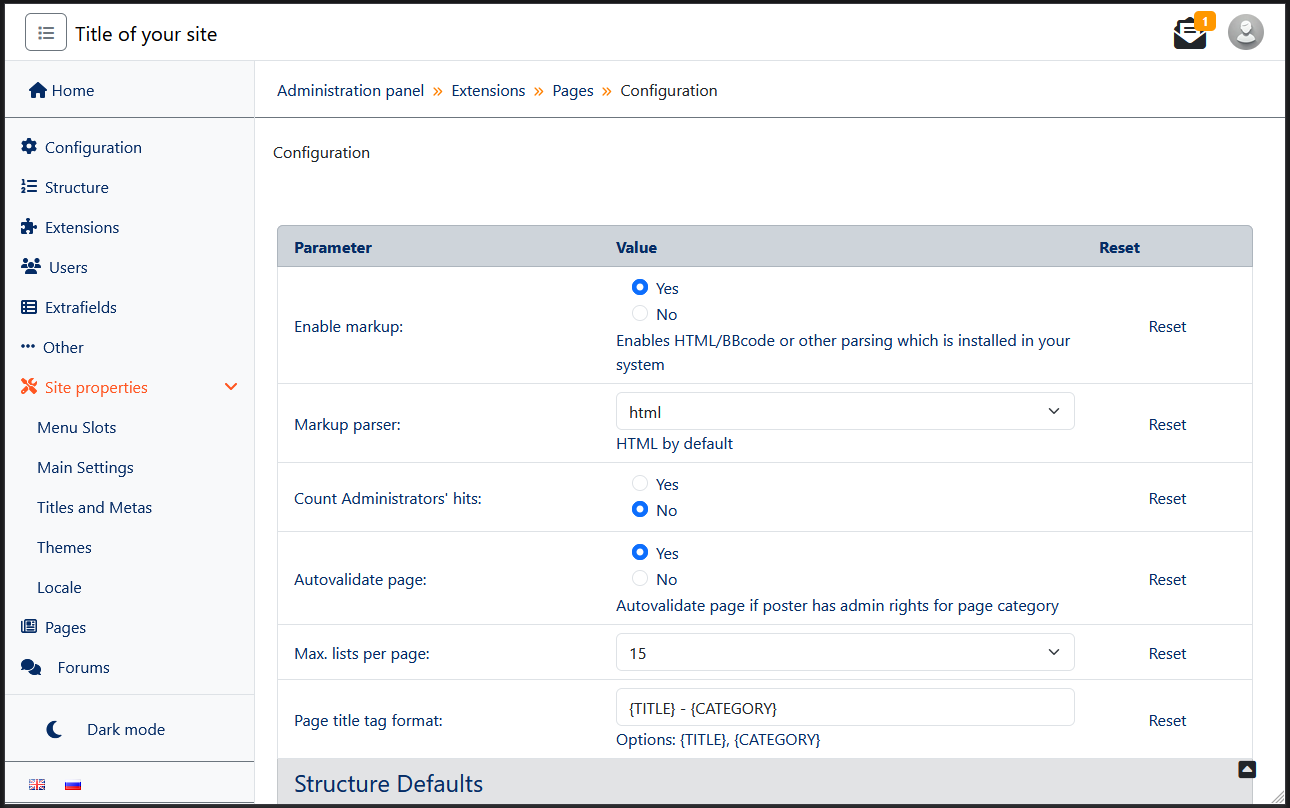
Cotonti Siena Admin Theme - CotCP
A minimalist admin panel theme for CMF Cotonti Siena v.0.9.26, built with Bootstrap 5.3.6. Supports both "dark" and "light" modes for a clean and modern user experience.
Installation
- Download or clone the
cotcpfolder to the/themes/admin/directory of your Cotonti installation. - Important: When uploading files via FTP, ensure there are no transfer errors. Re-upload any missing files if necessary.
Open the
/datas/config.phpfile and locate the line (approximately line 55):$cfg['admintheme'] = '';
Replace it with:
$cfg['admintheme'] = 'cotcp';- Save the file, clear the cache, and the installation is complete.
Bug Reports and Support
For bug reports, support, or discussions related to the CotCP admin theme, please use the Forum Section
Тема админ-панели Cotonti Siena - CotCP
Минималистичная тема для панели управления CMF Cotonti Siena v.0.9.26, созданная на основе Bootstrap 5.3.6. Поддерживает "ночной" и "дневной" режимы для удобного и современного интерфейса.
Установка
- Скачайте или клонируйте папку
cotcpв директорию/themes/admin/вашей установки Cotonti. - Важно: При загрузке файлов по FTP убедитесь, что нет ошибок передачи. Если какие-либо файлы пропущены, загрузите их повторно.
Откройте файл
/datas/config.phpи найдите строку (примерно 55-я строка):$cfg['admintheme'] = '';
Замените её на:
$cfg['admintheme'] = 'cotcp';- Сохраните файл, очистите кеш, и установка завершена.
Отчёты об ошибках и поддержка
Для сообщений об ошибках, поддержки или обсуждения шаблона CotCP используйте раздел Форума